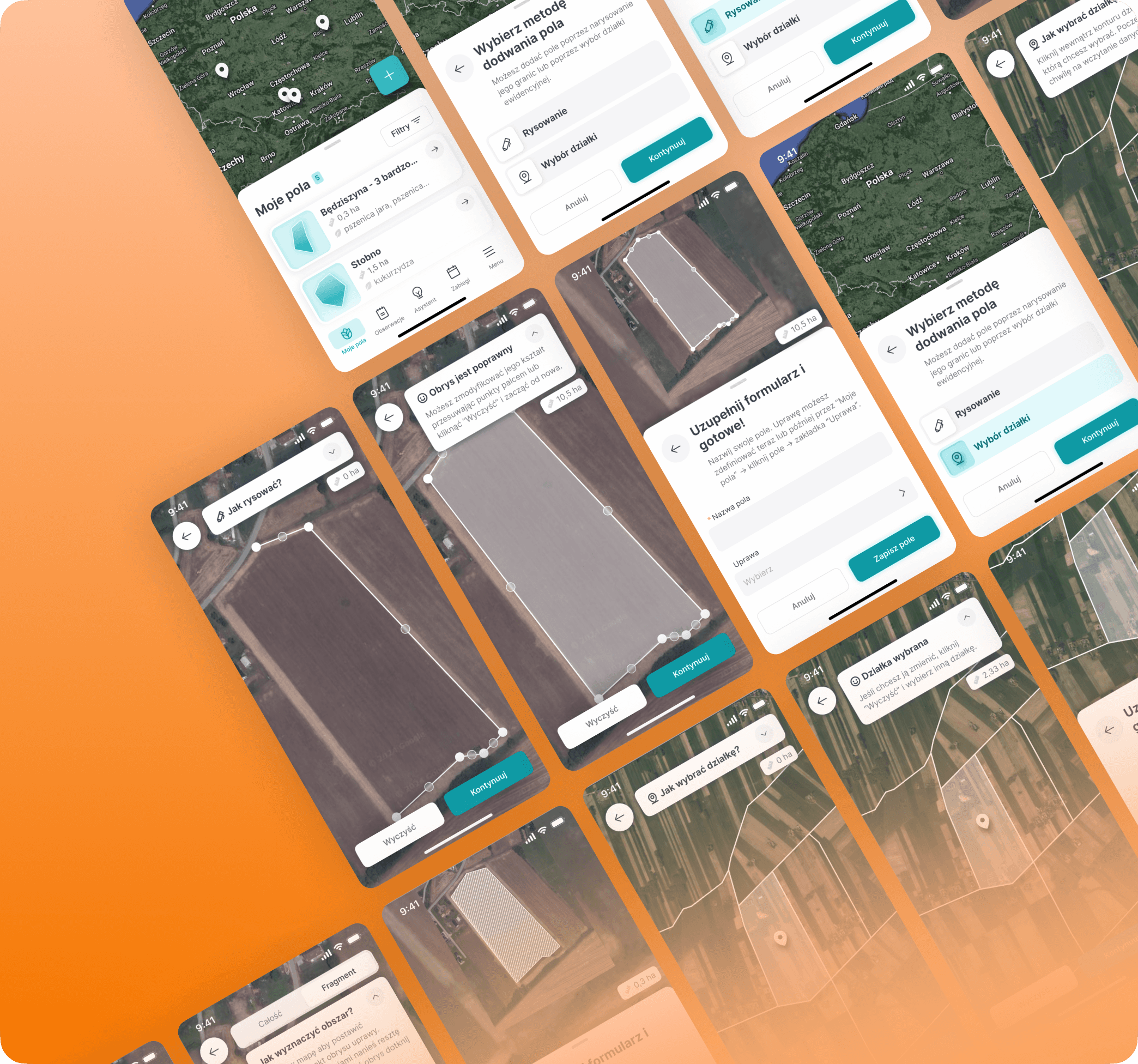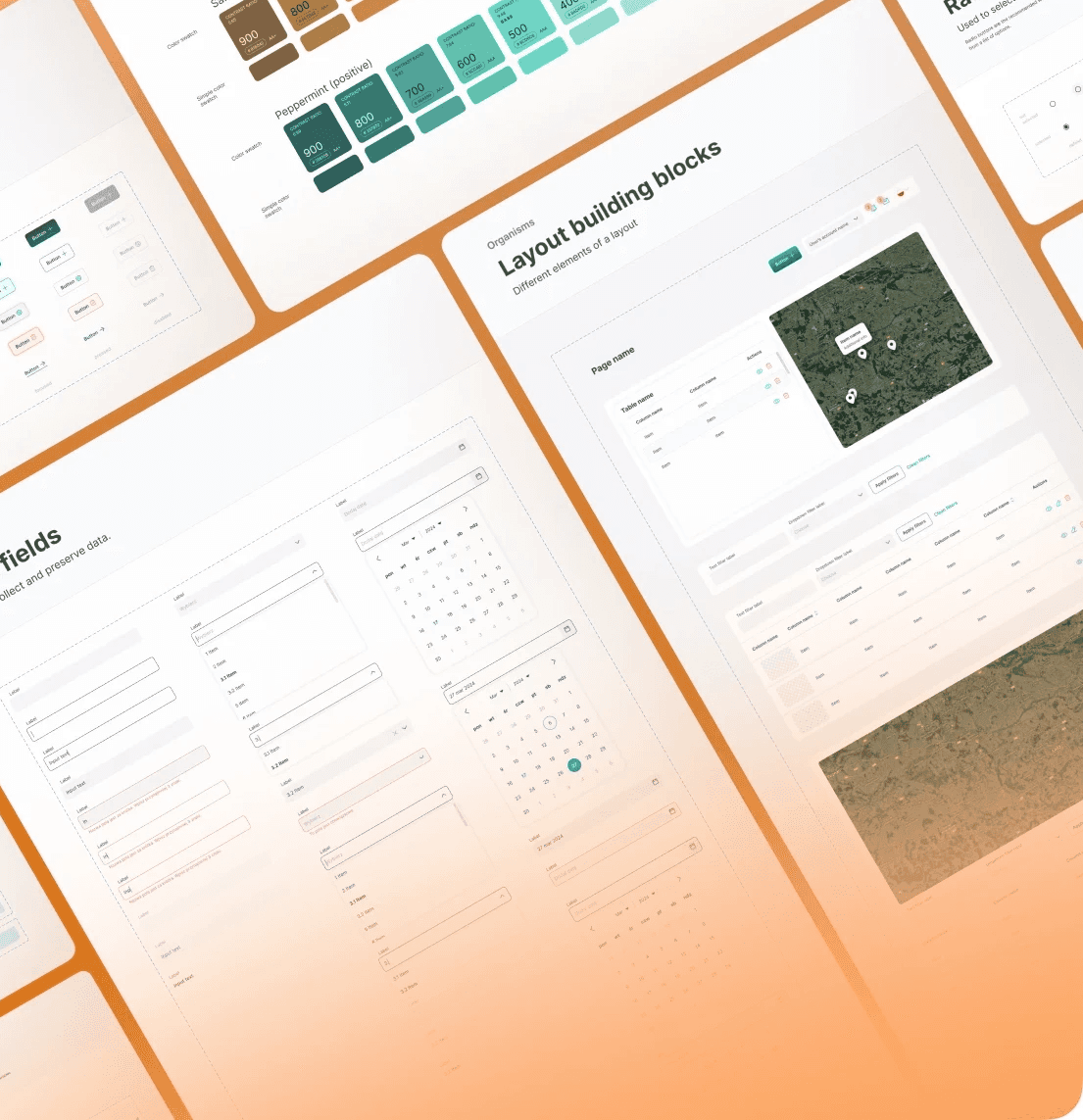
Empowering consistency
How I unified a vast UI library in a multi-service product
About
FarmCloud is a system created by AgriSolutions to support various participants across the agricultural supply chain. It was trusted by clients like Grupa Azoty and Microsoft.
Challenge
As the first UX Designer in a prior dev-only team, I had six weeks to unify a fragmented UI and modernize the system.
Impact
I unified the two most critical components, which led to a 444% increase in their reusability rate and a reduction of technical debt.
Team
PO, CTO, Me as a Designer, FE Developer, BE Developer
My role
Design strategy, UI design, UX design
Timeline
January 2022 - March 2022
Establishing strategy
🔥Six weeks deadline
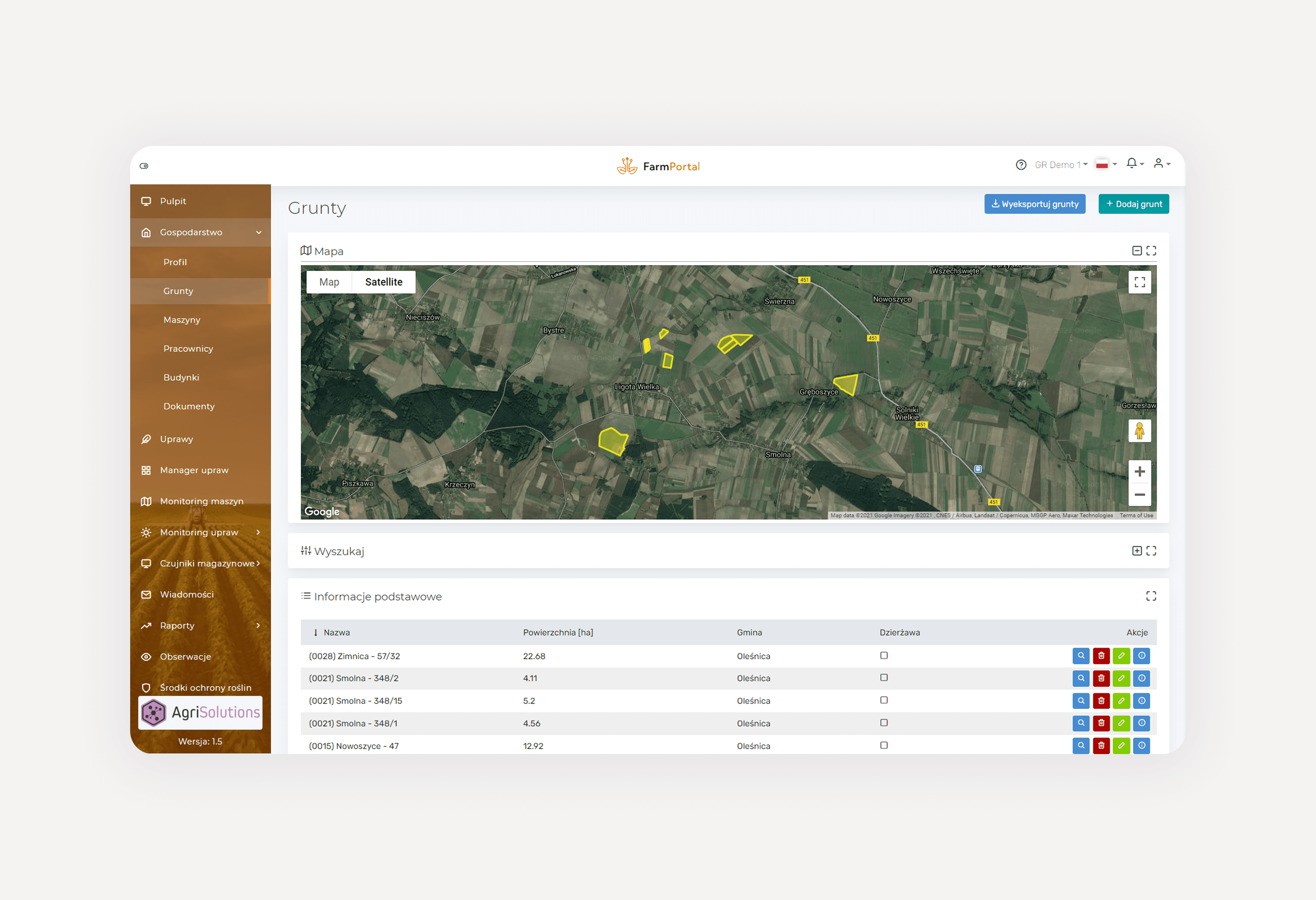
My first task at AgriSolutions was to modernize and unify UI of three-service platform. It seemed like a classic design system case, but the six weeks tight timline worried me a little.
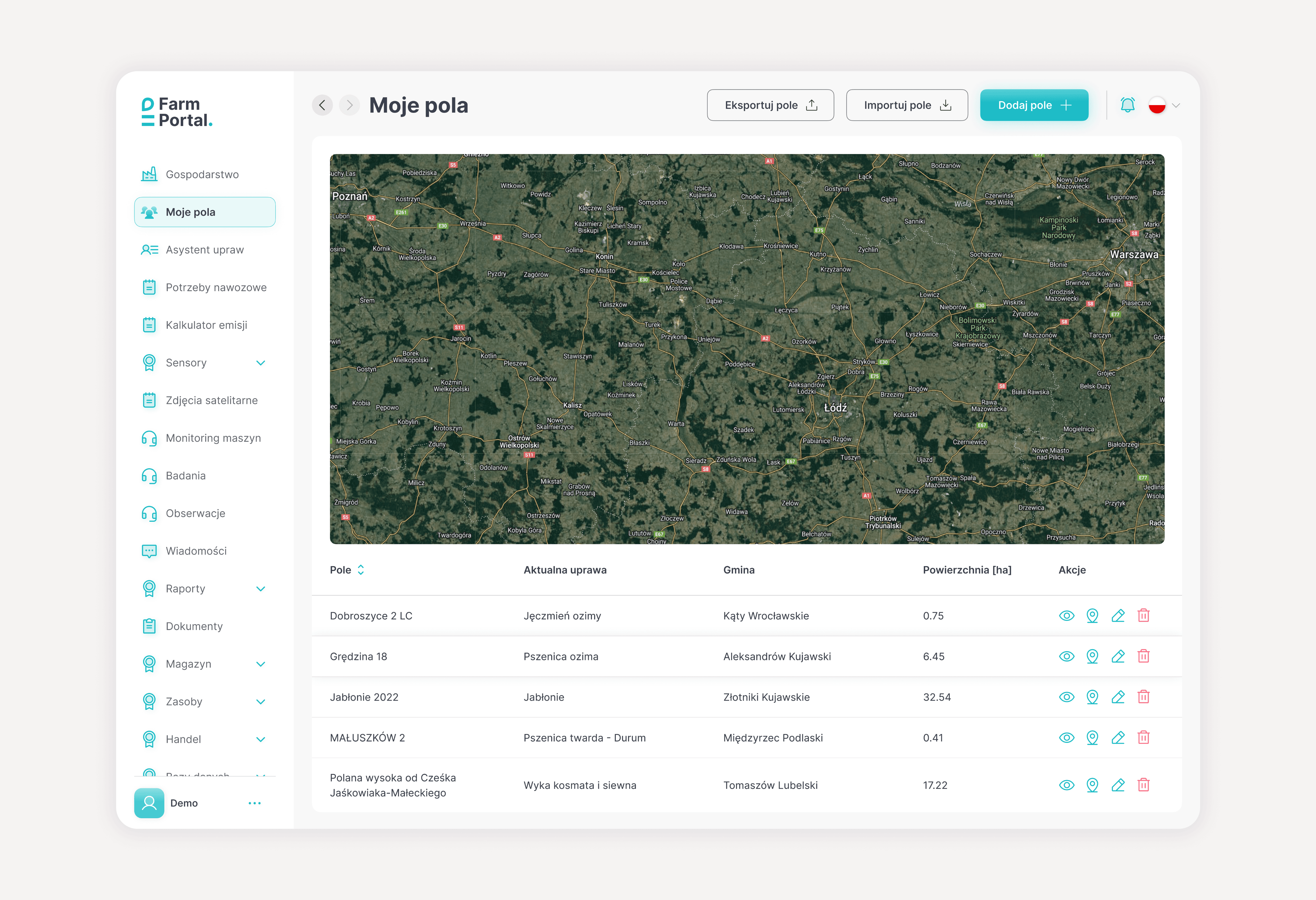
🎨 Visual teaser
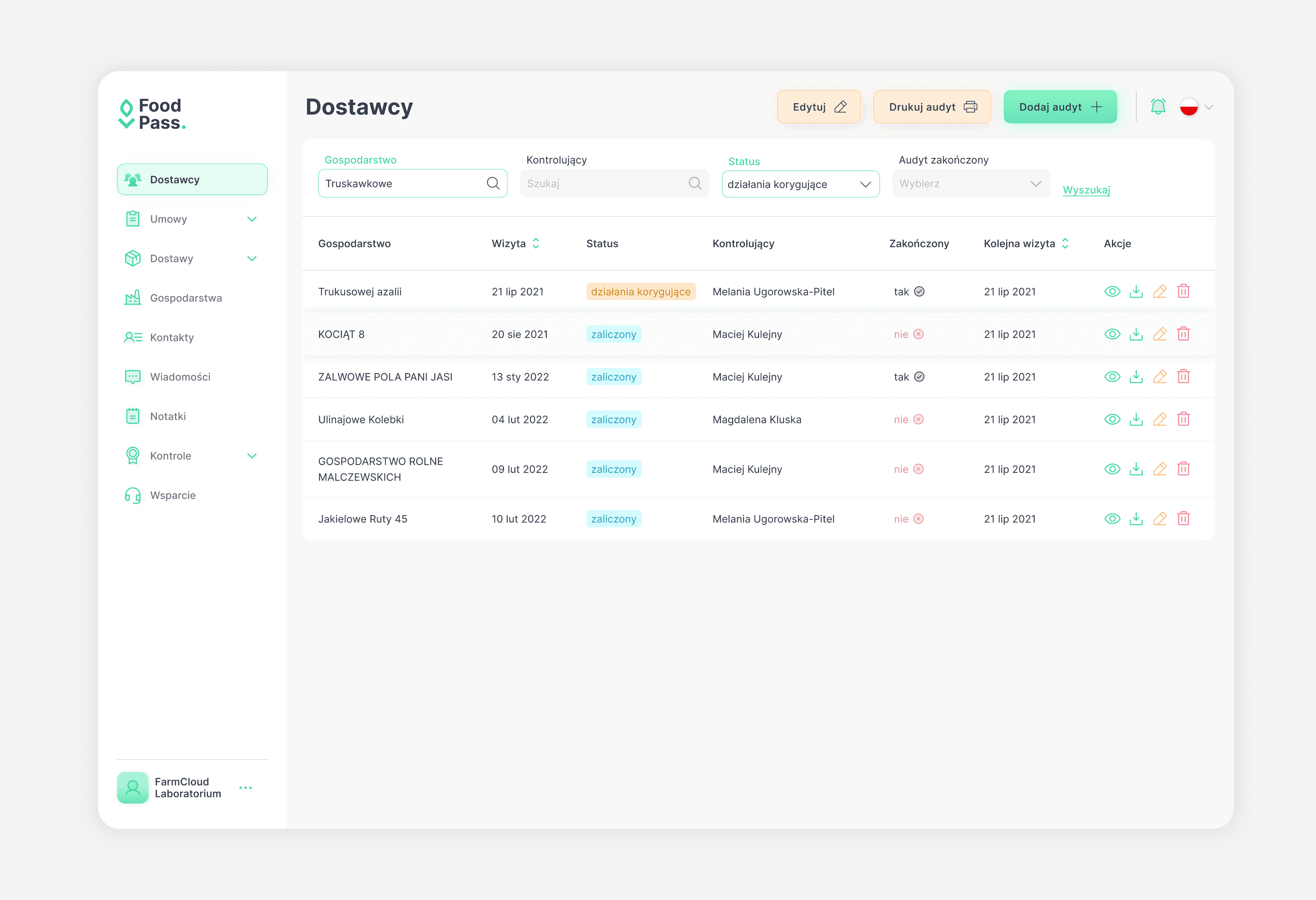
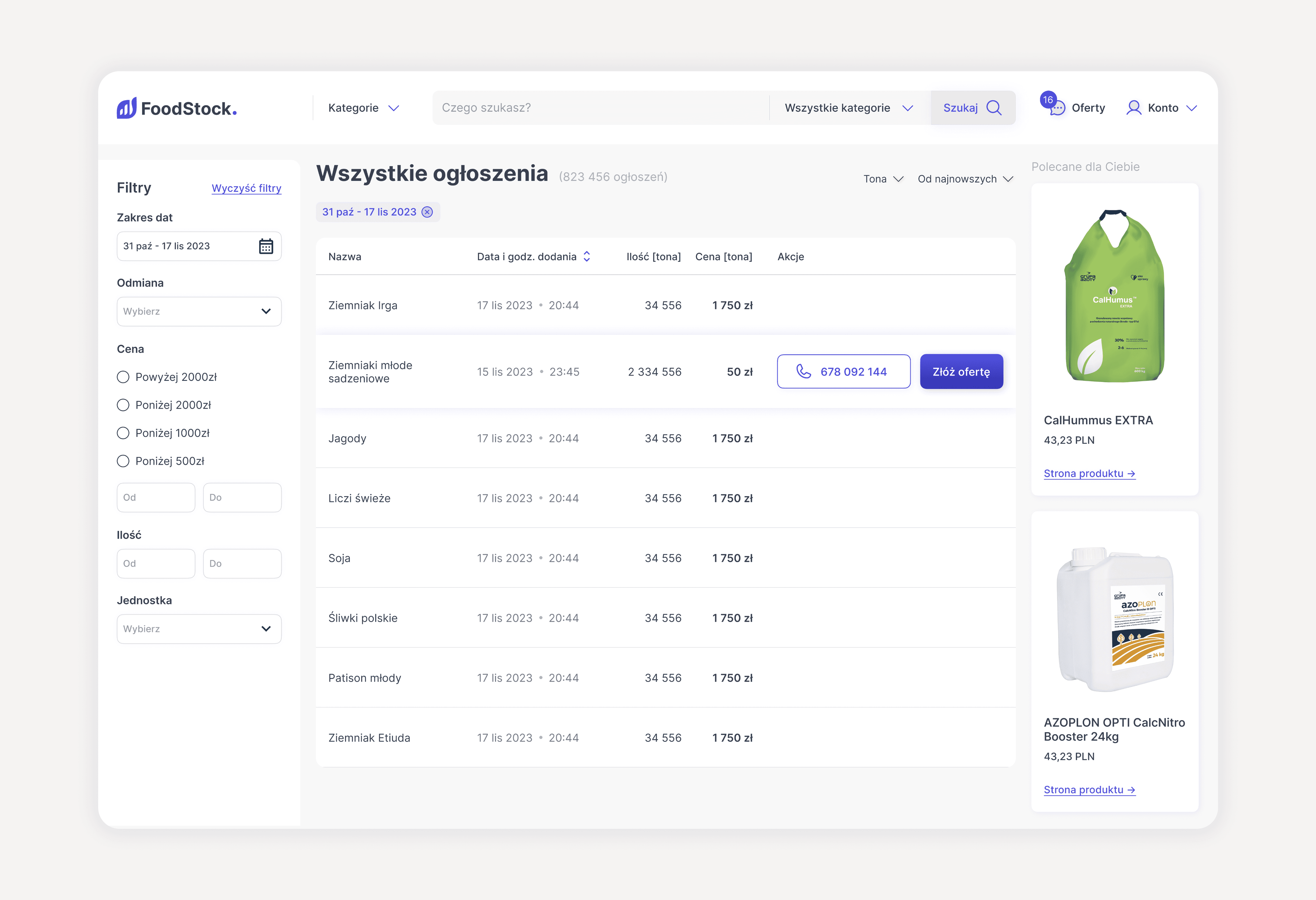
To kick things off, I focused on building trust with the team who had never worked with a designer before. I put together quick visual concepts to establish an aligned vision.
Assessing feasibility
🔍 Reality check
After performing a simplified version of interface inventory, I was sure - a full design system, covering 3 different services wasn’t feasible in six weeks.
🎯 Prioritizing components
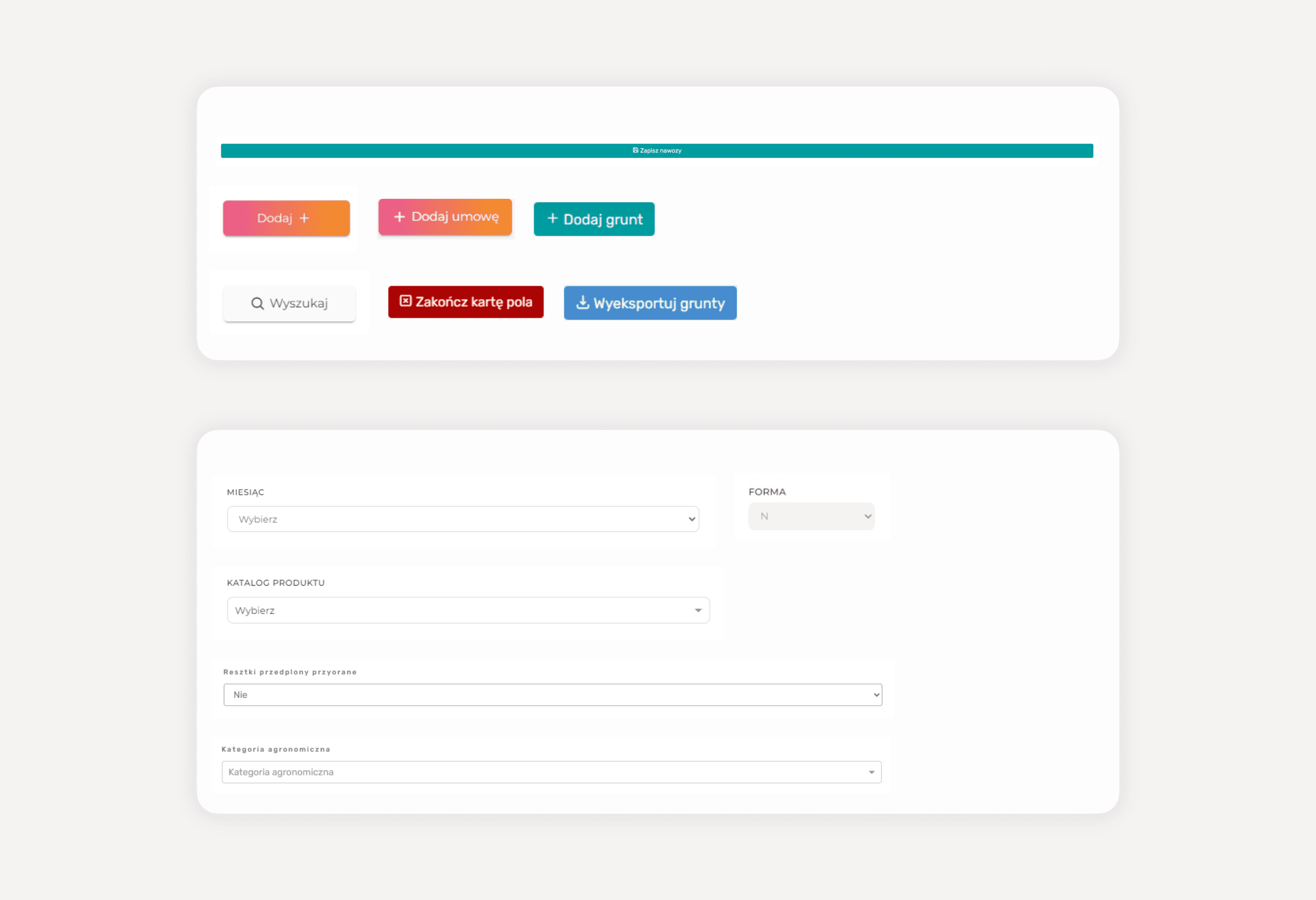
From now on we focused solely on FarmPortal, the ecosystem’s top ROI service. We also prioritized two most-used, visually inconsistent components: button (7 versions, used 464 times) & input field (5 versions, used 1179 times).
Designing components
⚙️ Laying the foundations & facing limitations
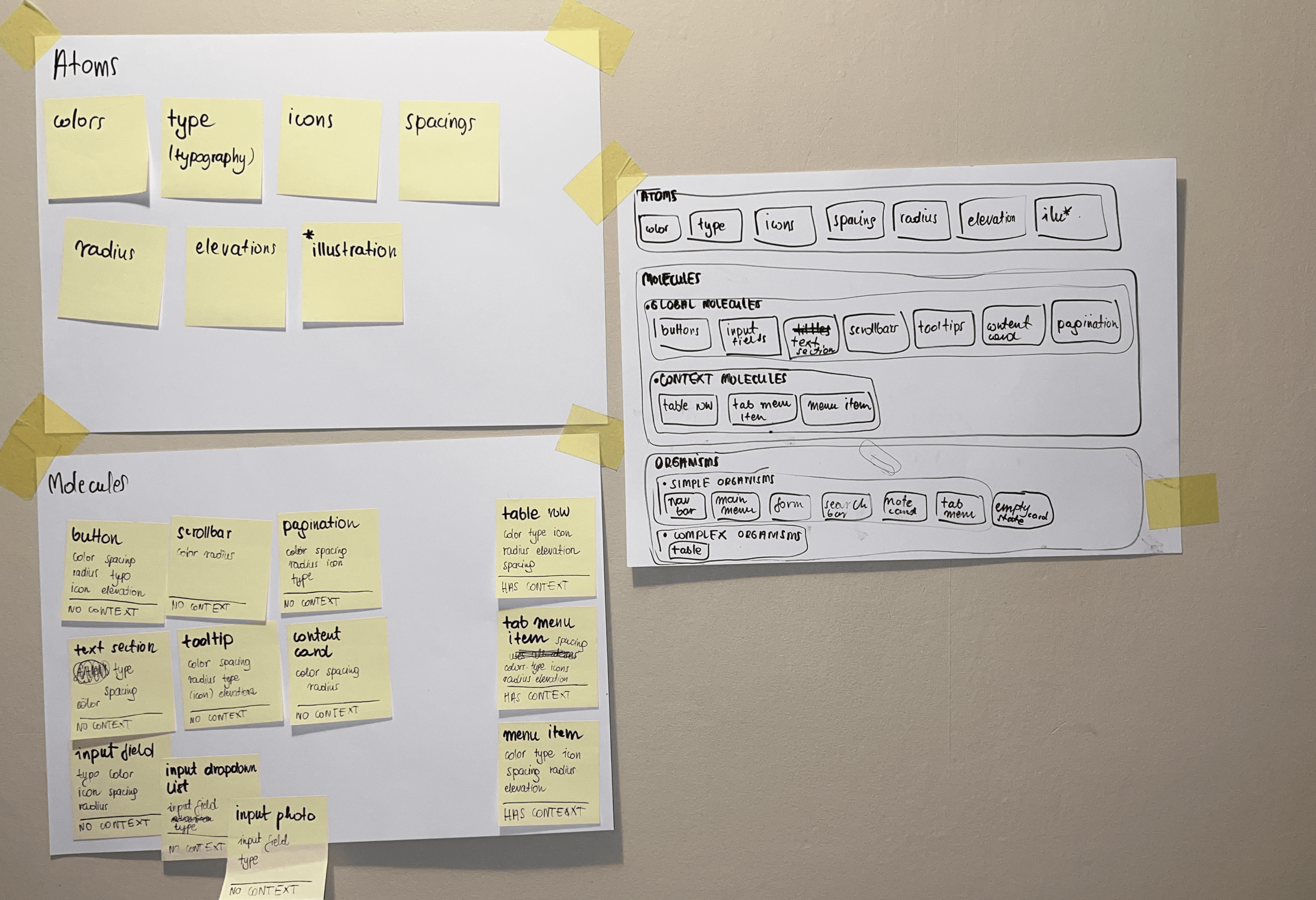
I used atomic design workframe and then based final UI on ng-bootstrap components, a familiar library for our devs. But there was a catch: we had to stick to an outdated version due to technical constraints.
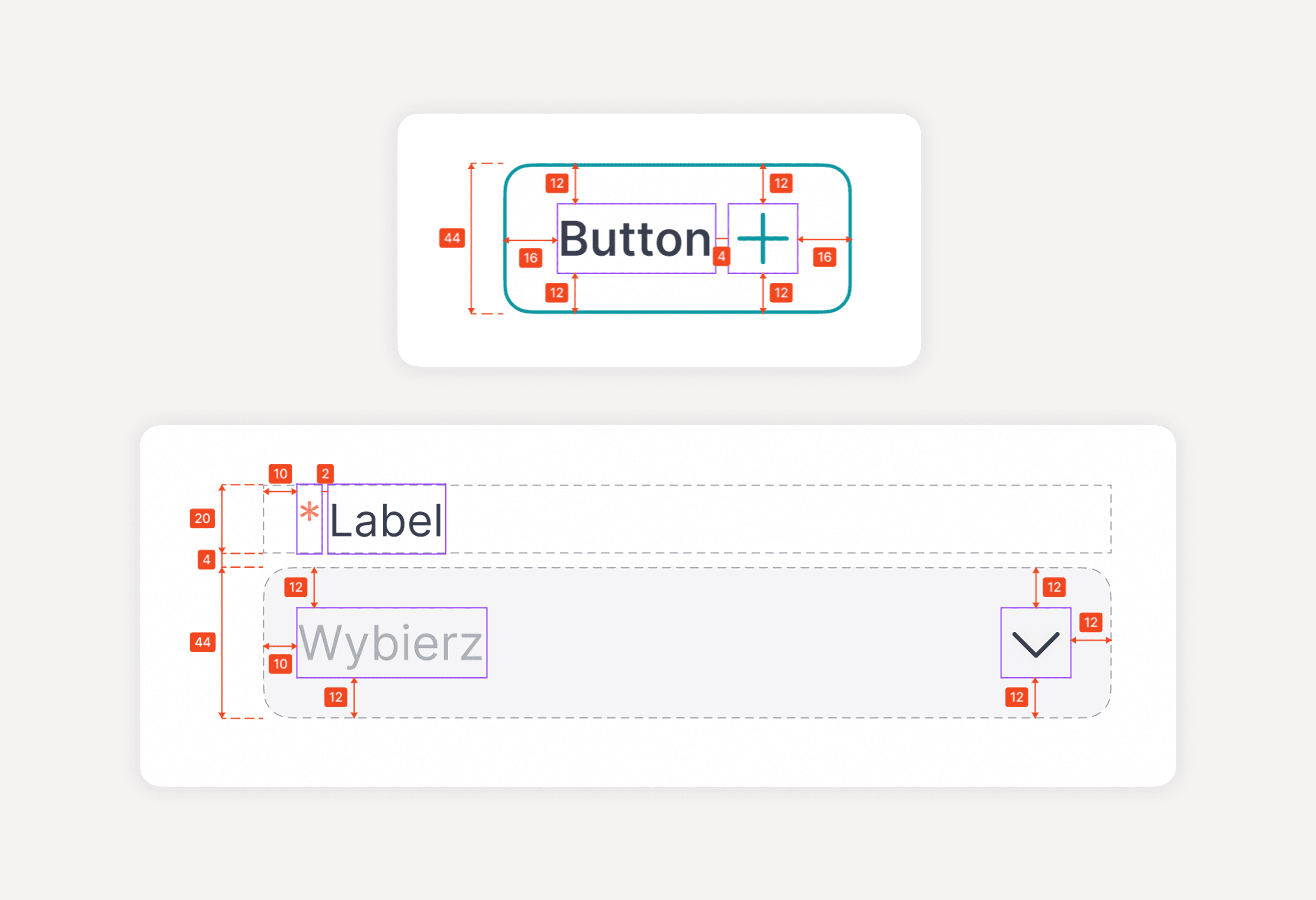
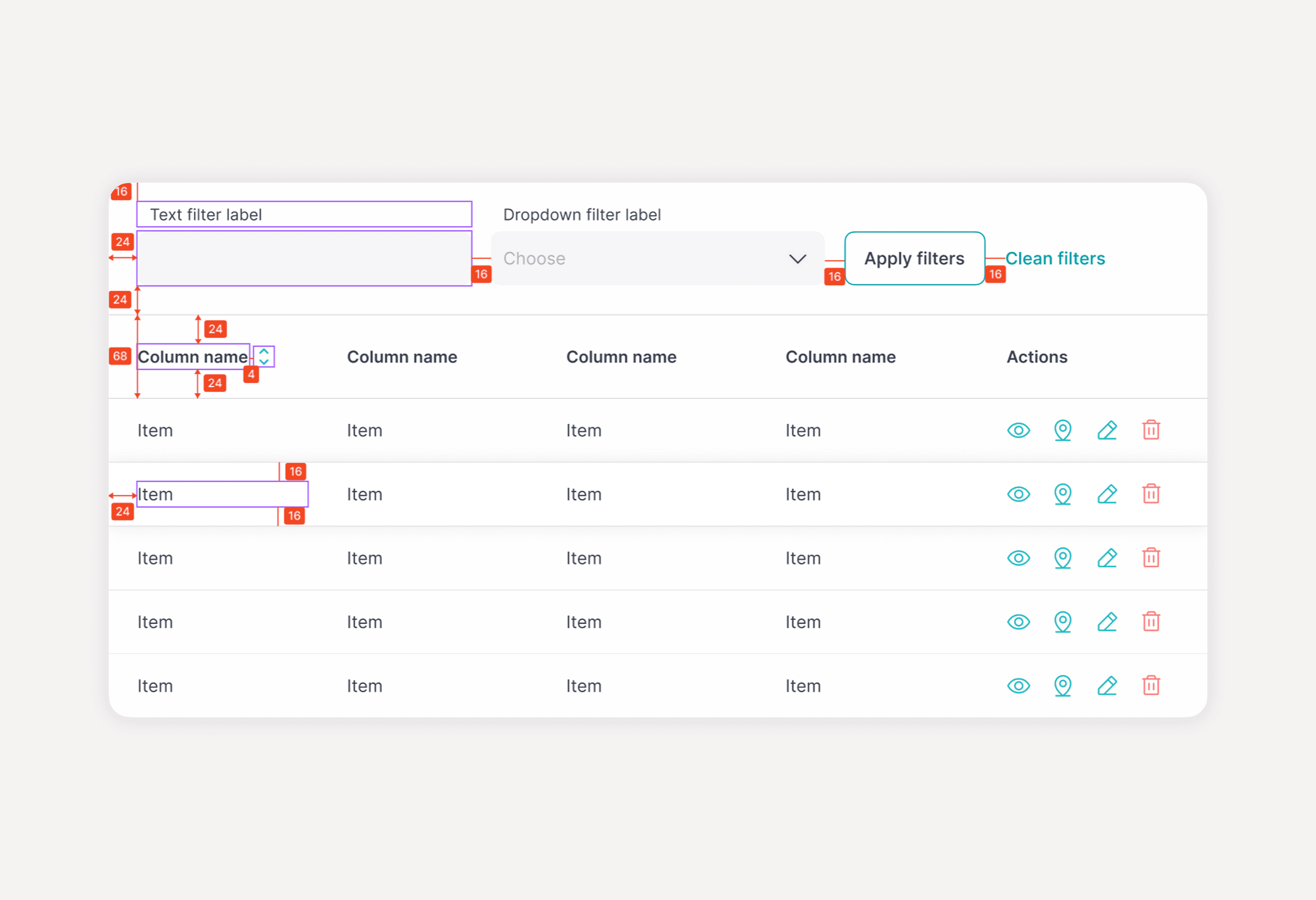
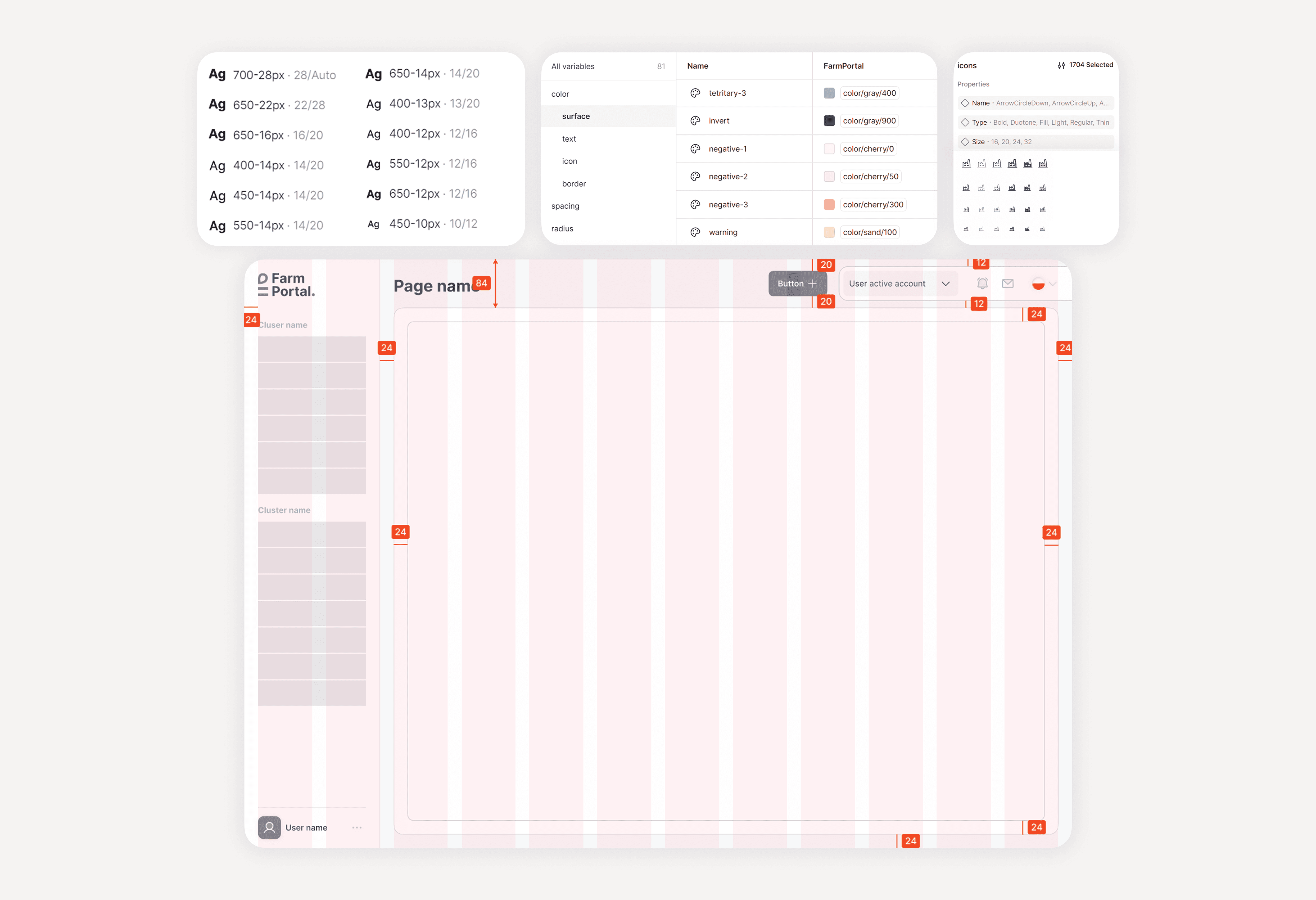
⏰ The final dilemma of date & time picker
Once we got our basics ready, we addressed an extra task: a custom built date & time picker. Together with CTO we agreed I’d mock up a quick POC using native ng-bootstrap + custom styling. I also designed a fallback with two separate components.
Final results & learnings